Help
Short films that show how.
Each one is the real app, a plain voice and captions, about a minute and a half. Open one on your phone. There is nothing to sign in to.
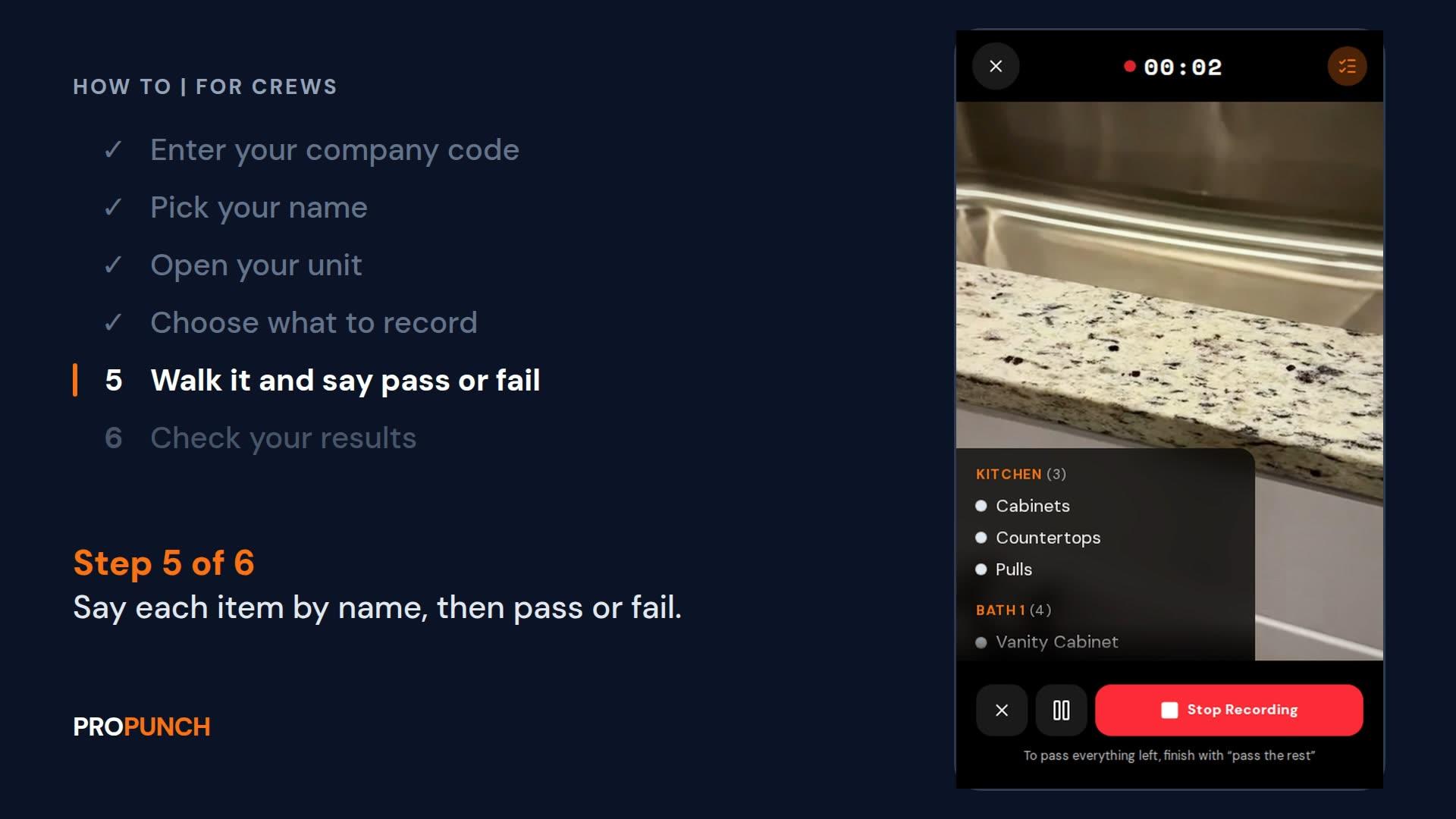 Start here: Walk a unit and record it1 min 28 s
For crews
Open the link on your phone. No account needed to watch.
2 films
Walk a unit and record it (1 minute 28 seconds)
Sign in with your company code, open your unit, and walk it saying each item and pass or fail. Your results go to the PM.
EnglishVer en español
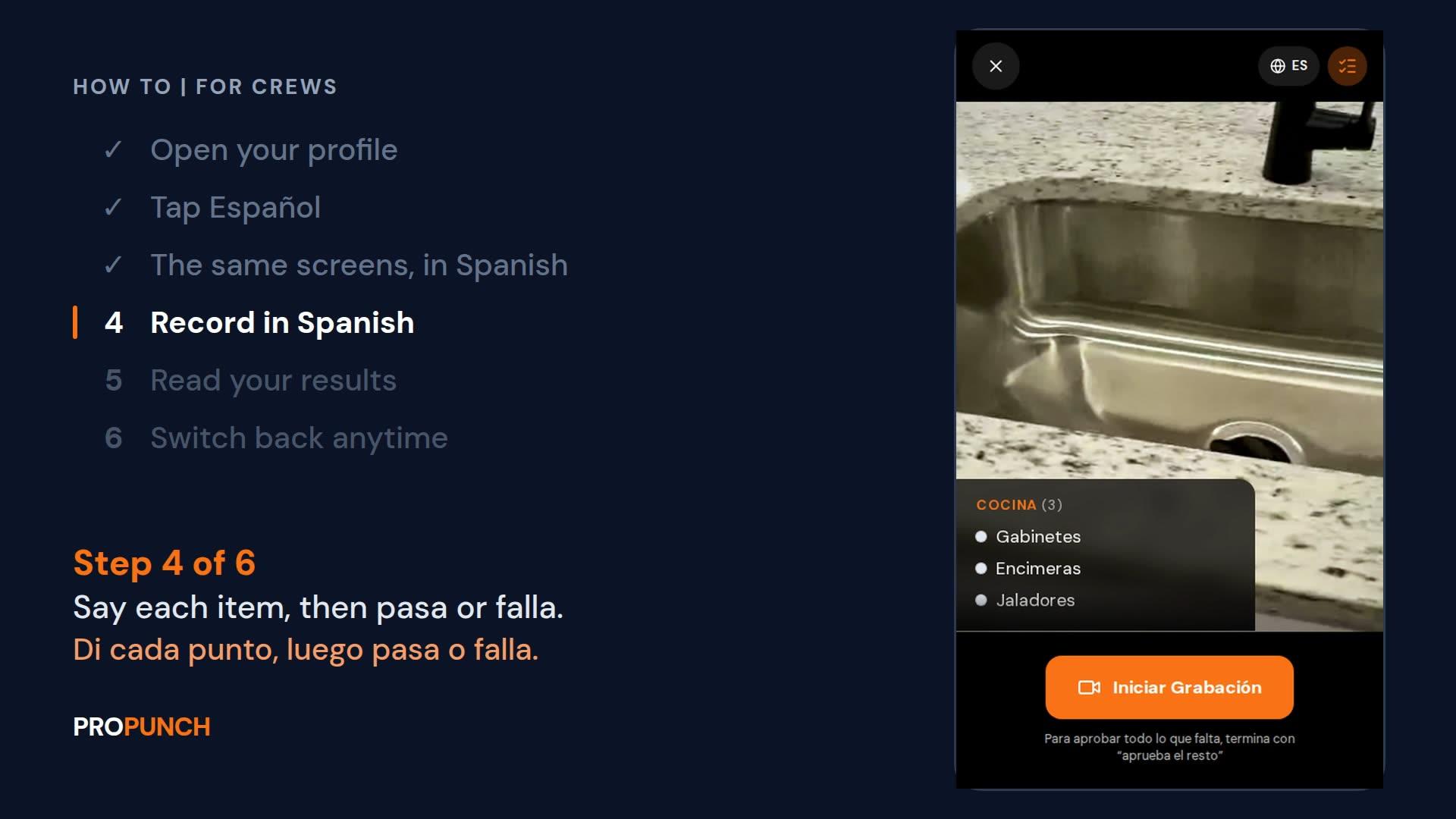
Switch the language (1 minute 3 seconds)
Change ProPunch between English and Spanish from your profile, and record a walkthrough in Spanish. The choice stays on your account.
English
For project managers
Set up a project, then review what the crews send in.
2 films
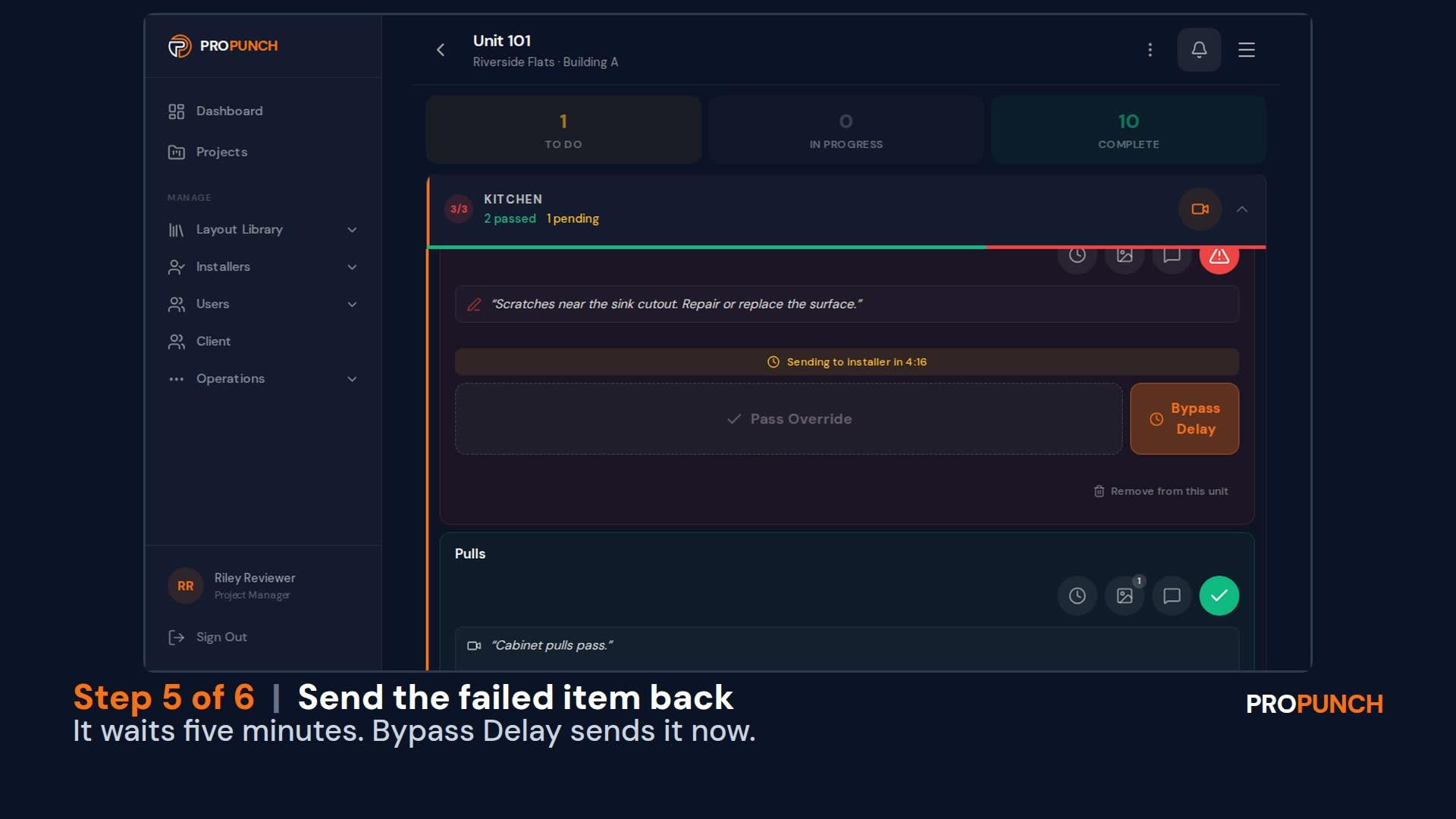
Review a unit and send back what fails (1 minute 25 seconds)
Read what the crew said on each item, pass or fail it, and send a failed item back to the crew with what needs fixing.
English
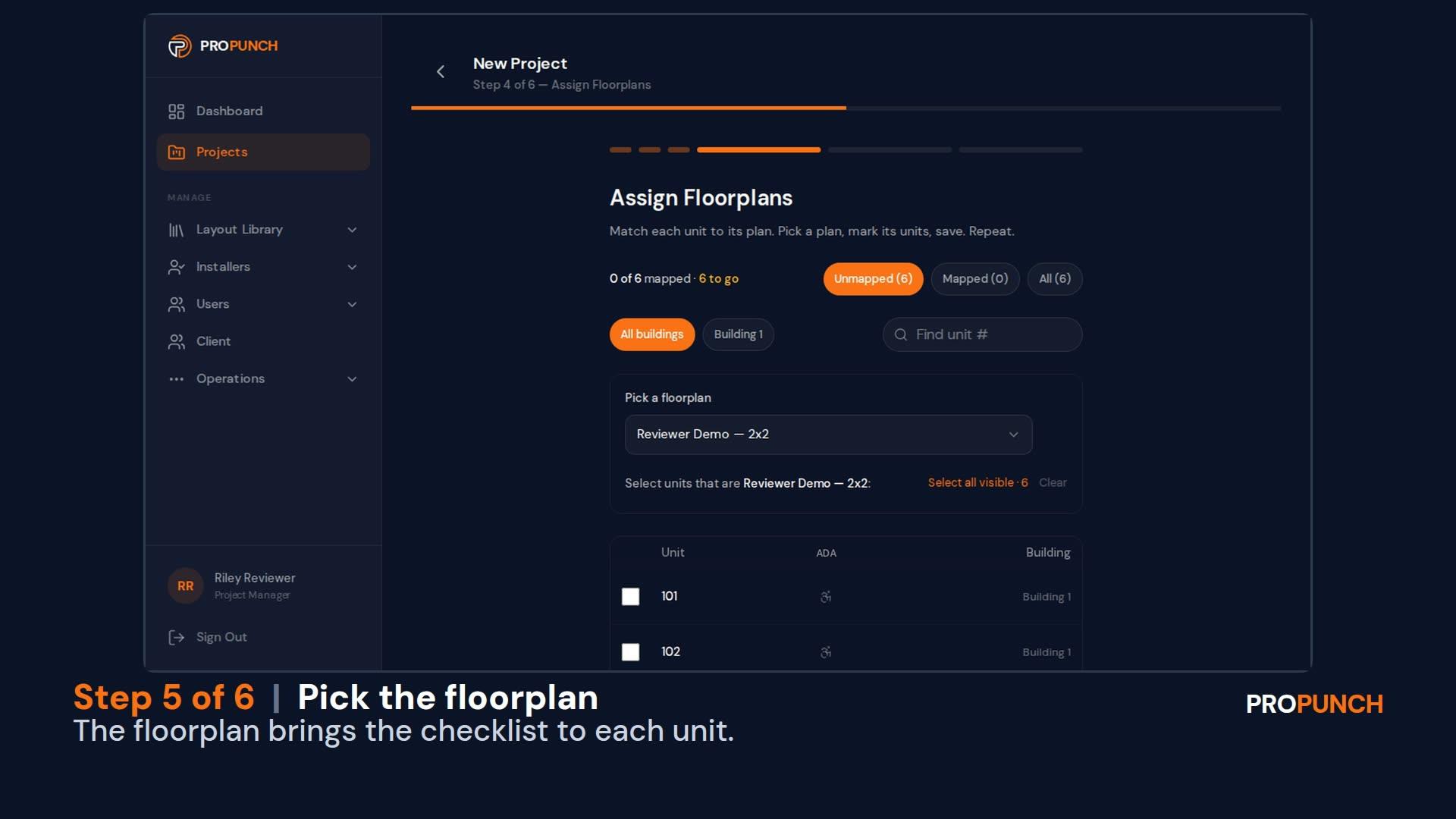
Build a project (1 minute 34 seconds)
Create a project with its buildings and units, assign installer companies by trade, and start every unit from a checklist.
English
For admins
Bring your own people onto ProPunch.
1 film
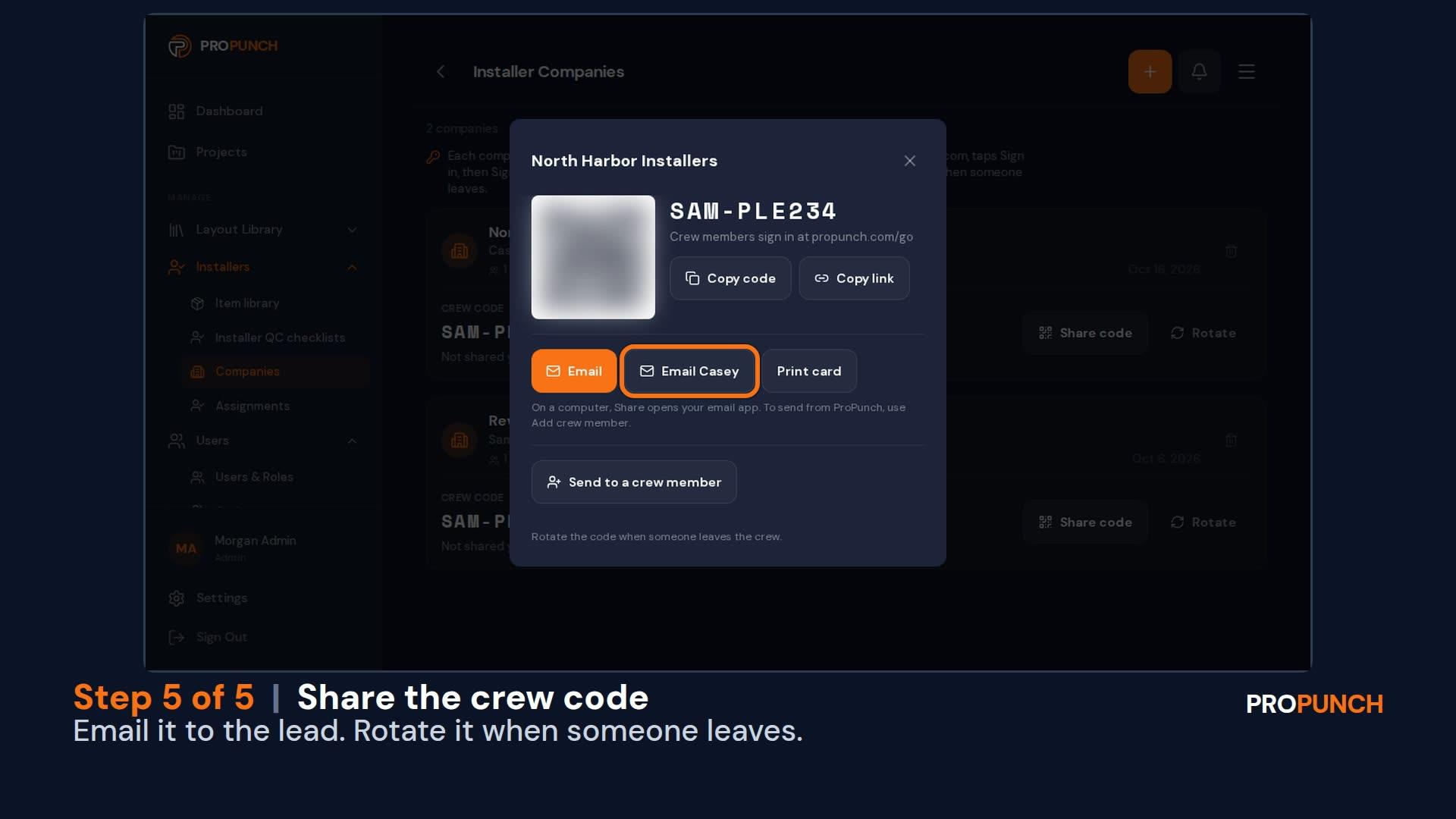
Add your people (1 minute 26 seconds)
Invite a project manager and set what they can see, add an installer company, and share its crew code with the crew.
English
Setup guides
Connecting ProPunch to the tools you already use, step by step.
Procore
Set up the Procore connection
Six steps, the Procore permissions you need, and what happens next.
Not covered here?
Write to us at support@propunch.com
See it on your own project.
Thirty minutes. We walk a real unit, turn it into a punch list, and show you the record it leaves behind.
Prefer email? support@propunch.com